65+ makams
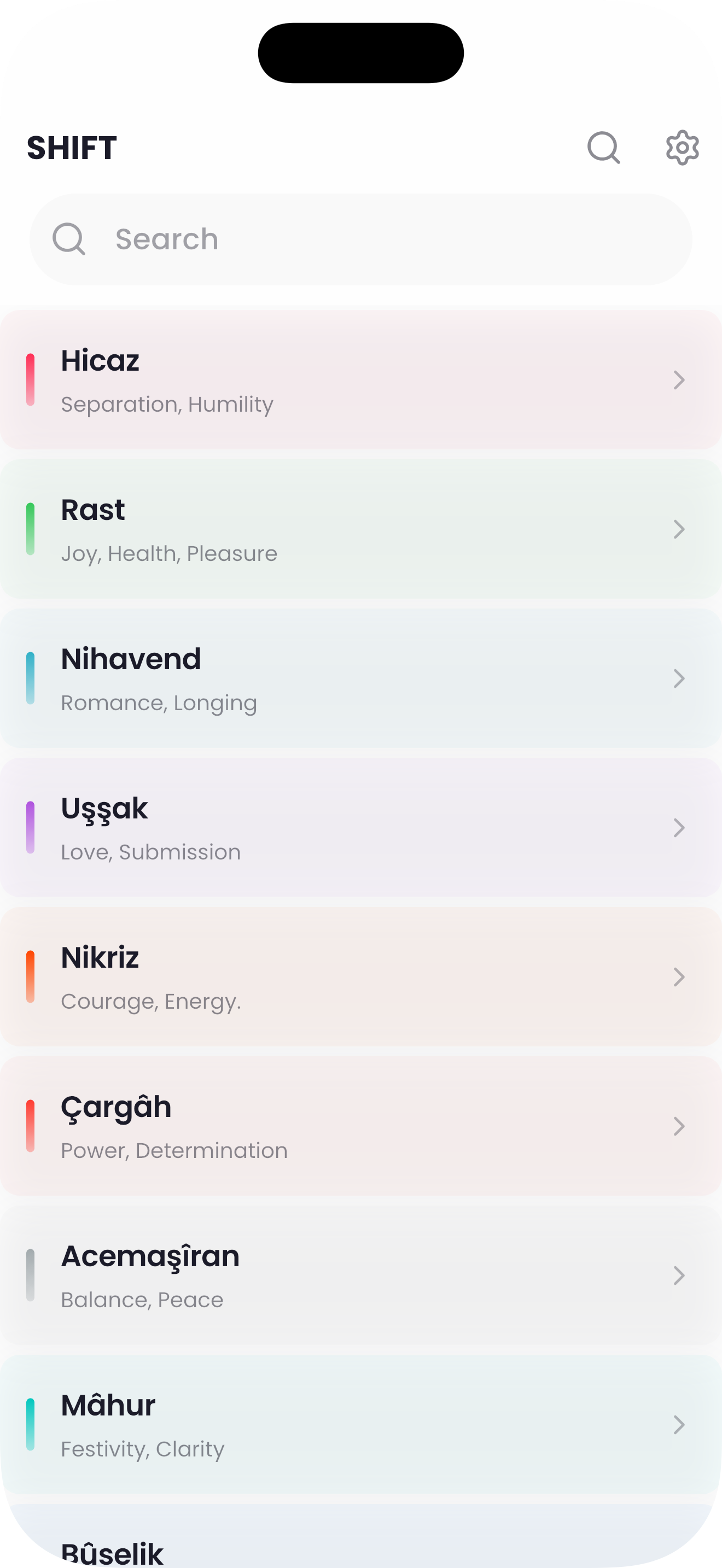
From Hicaz to Saba, explore the makams you actually play, with clear scale and seyir notes.

Transpose Turkish makam music with confidence.
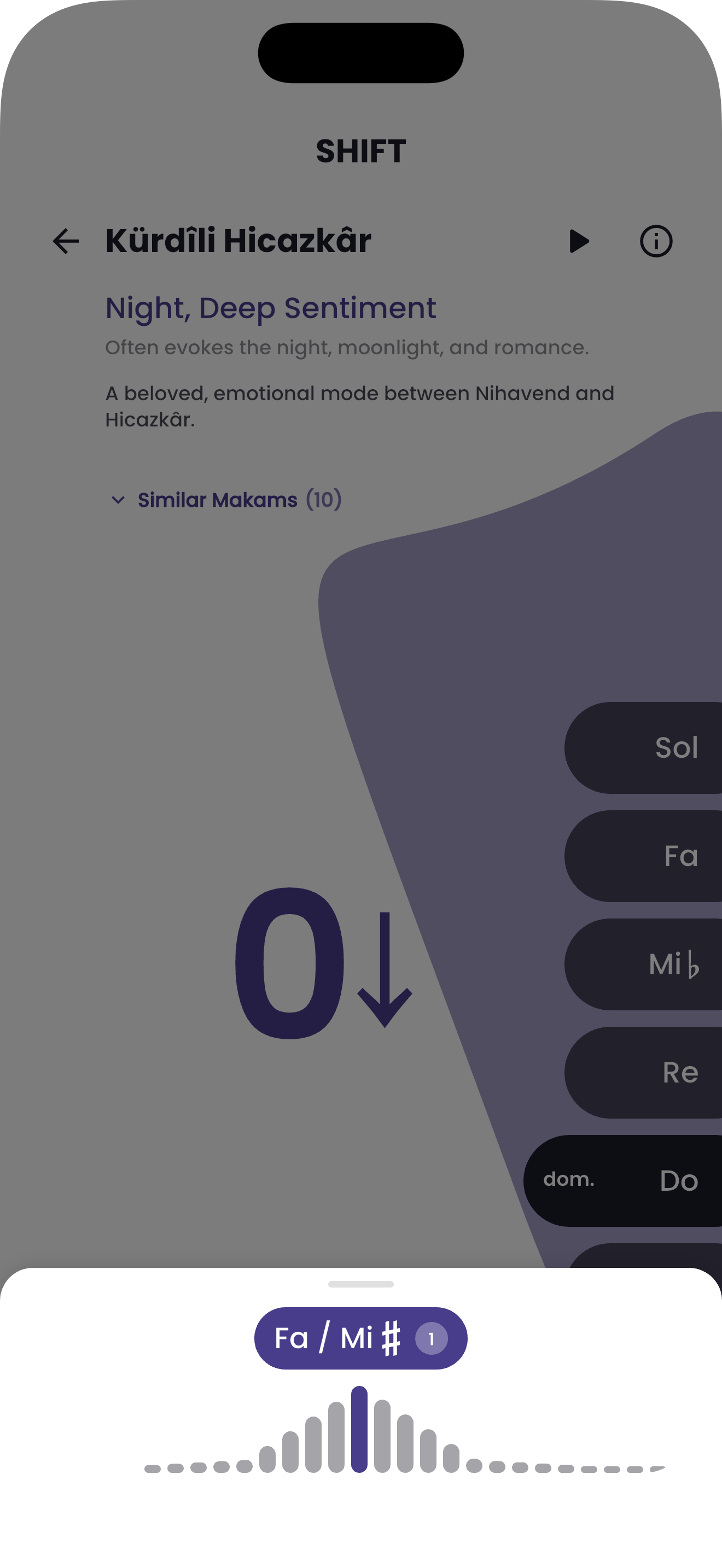
SHIFT is a focused toolkit for Turkish makam music. Explore 65+ makams, transpose instantly, and see the notes, accidentals, and intervals in one clear view.
A focused set of tools, not a drawer full of features you never use.
From Hicaz to Saba, explore the makams you actually play, with clear scale and seyir notes.
Move a melody to any key without losing the makam’s character. See the resulting notes immediately.
Turkish accidentals and comma intervals are displayed the way makam music is actually written.
Play the scale and intervals to train your ear while you learn a new makam.
Save the makams you use most and return to them without digging through menus.
Your makam library stays on your device. Practice on a plane, on stage, or in a lesson.
A look at the scale, transposition, and makam library screens.
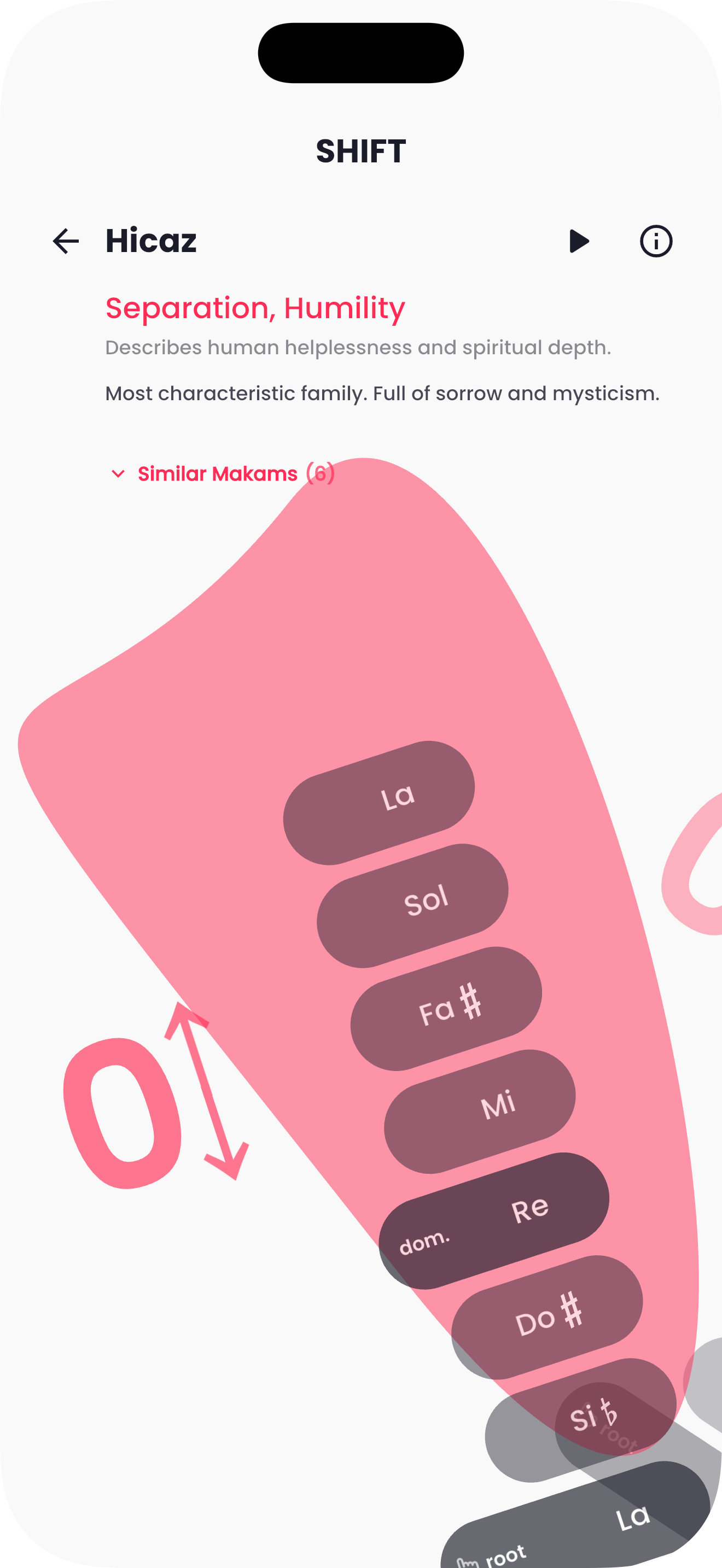
A makam is a melodic framework in Turkish music: a scale, a set of characteristic phrases, and a direction of movement (seyir). SHIFT helps you see and transpose that framework.
Yes. Choose a target pitch and SHIFT recalculates the notes and accidentals while keeping the makam’s interval structure.
It works for both. Beginners get a clear visual reference; experienced players get a fast transposition tool.
The makam library and transposition tools work offline. Store purchases and updates need a connection.
Purchases are handled by Apple or Google. Use “Restore purchases” if you reinstall the app or switch devices.
Refunds are handled by the store where you purchased. Apple: reportaproblem.apple.com. Google Play: Play Store order history.
Download the app, start in seconds, and keep your progress across devices.